Nstbrowser
Variables
Variables are divided into global variables and variables stored in nodes.
Settings
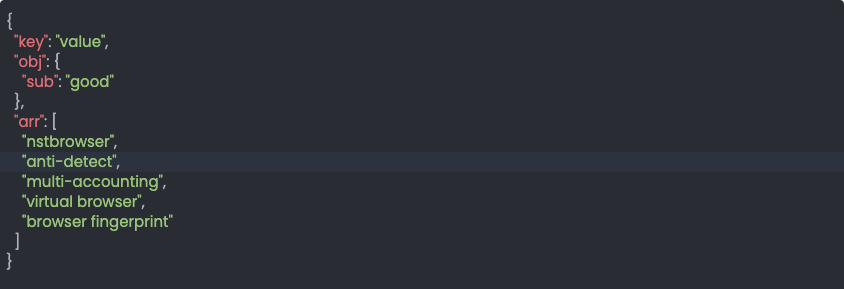
Global variables can be configured by clicking the Global Variables button and entering them in JSON format in the popup window. 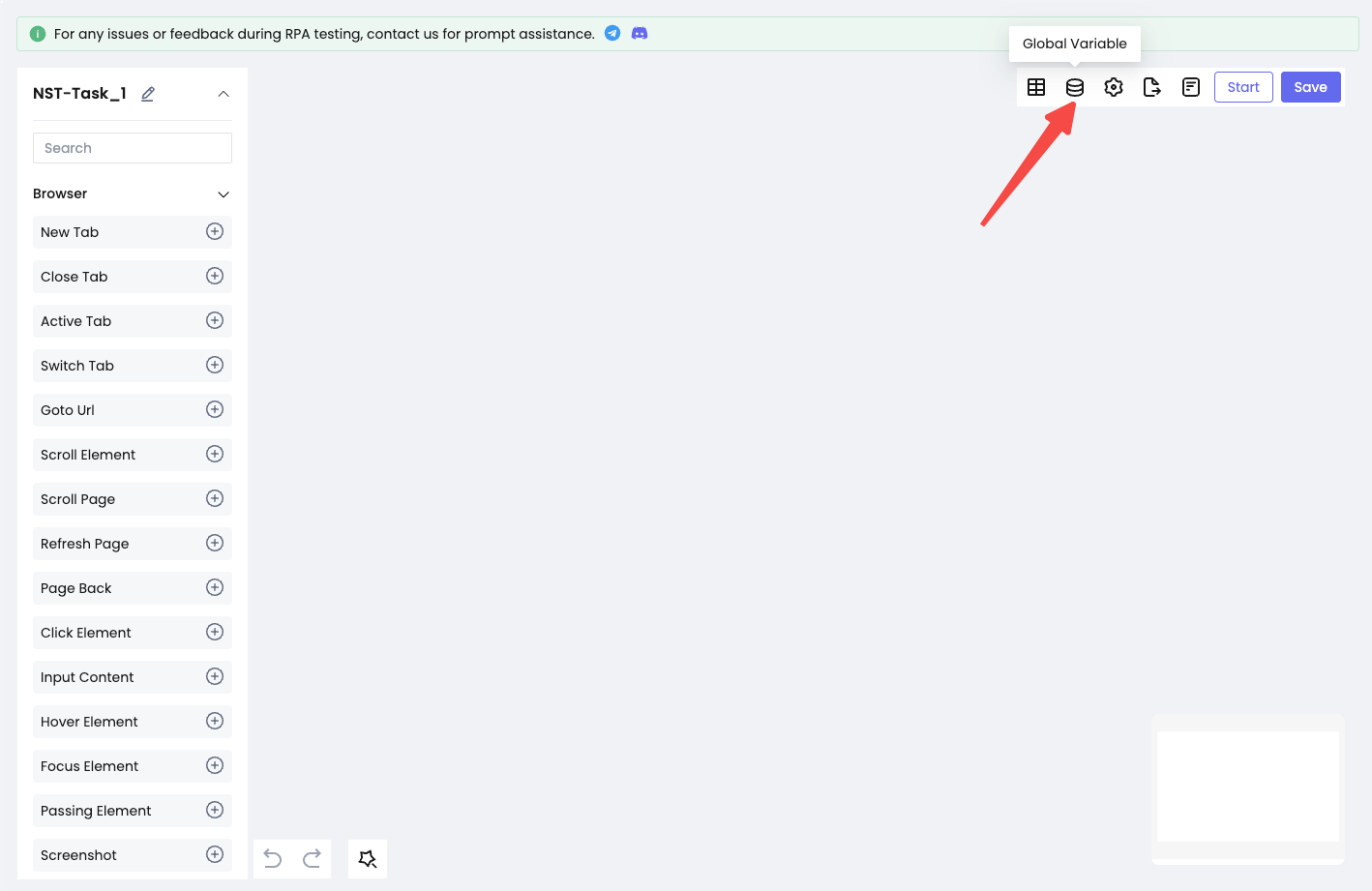
Saving Variables from Nodes through Configuration Node 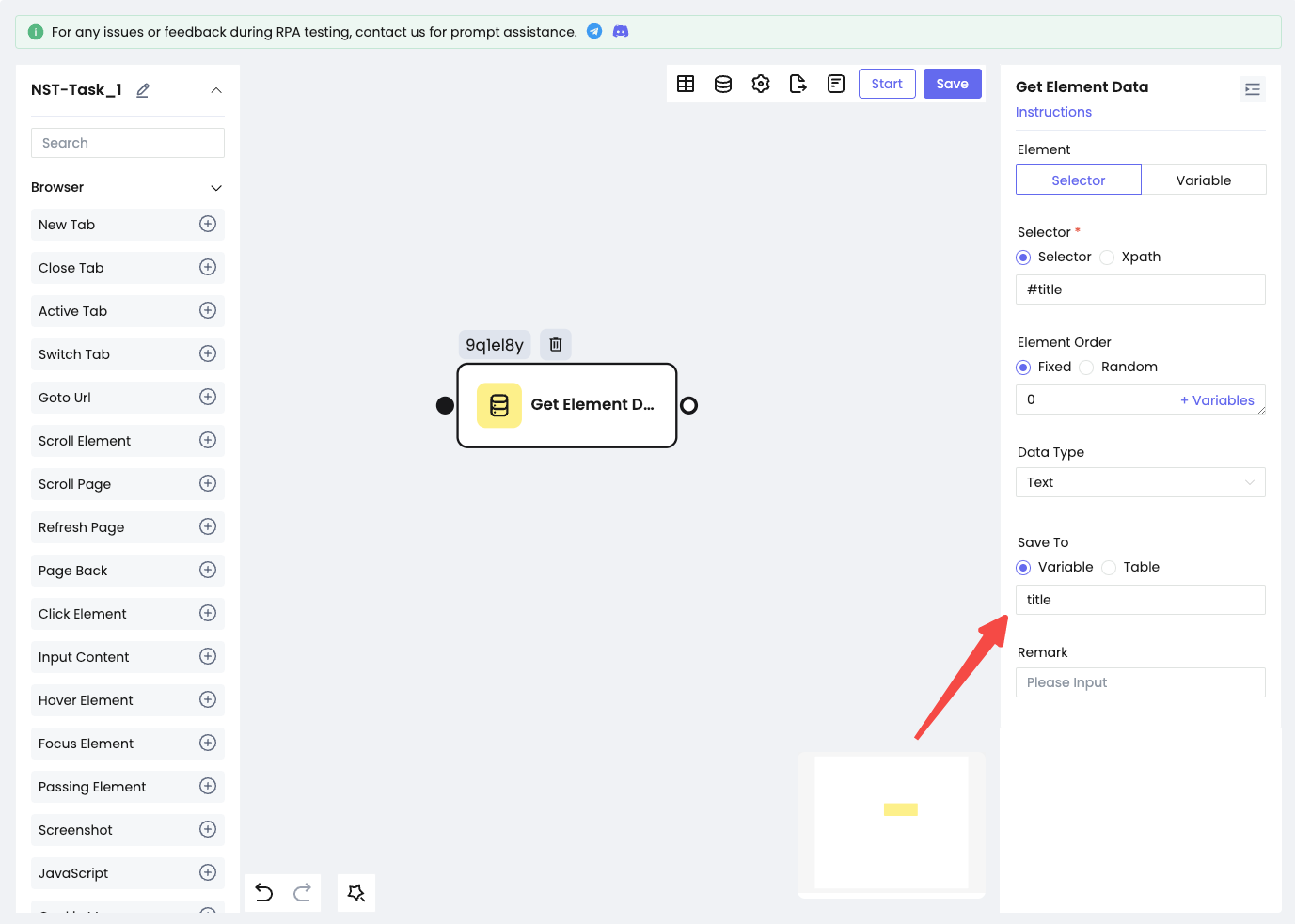
Use
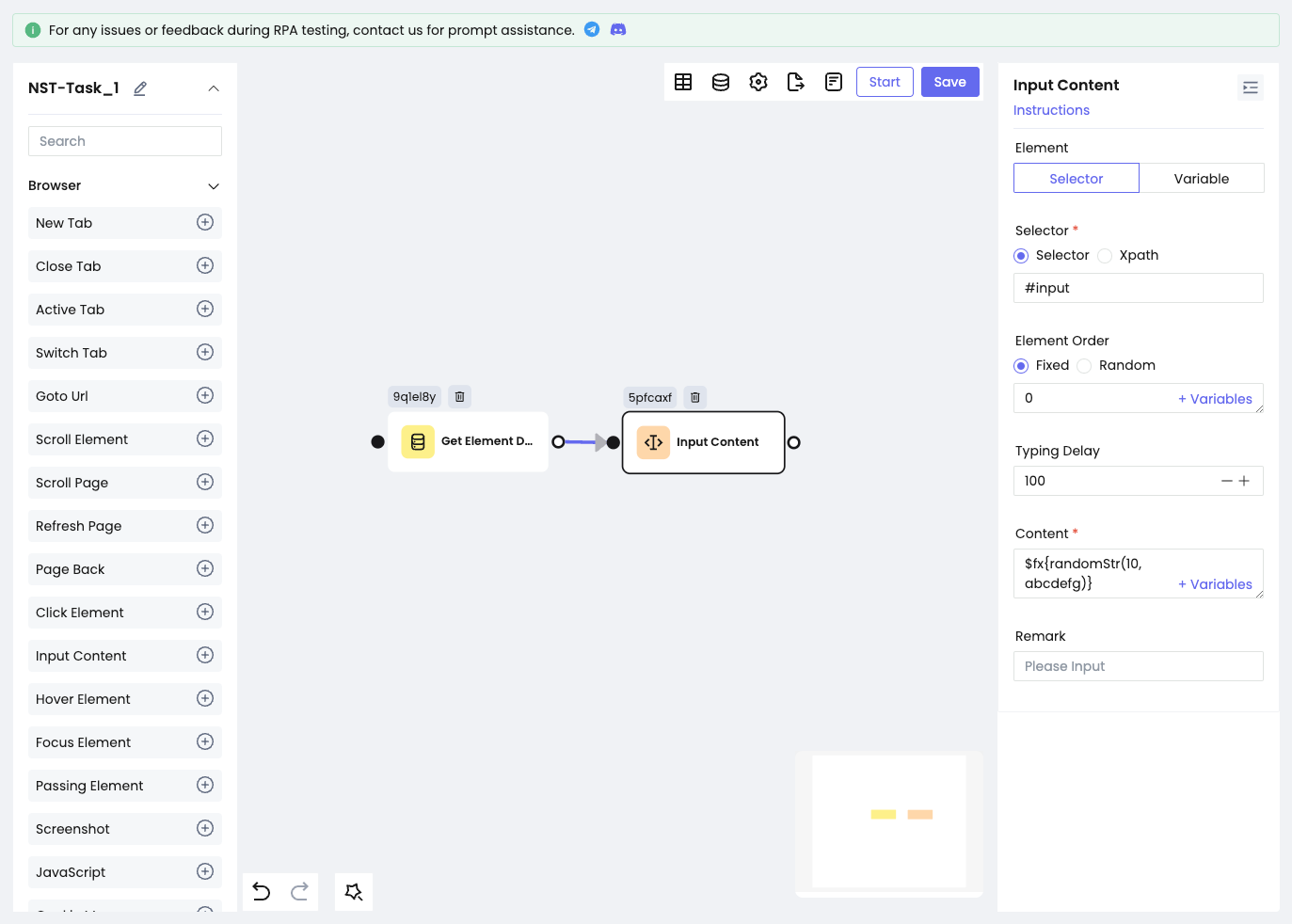
You can click the + Variables button to select the variables you want to use. Alternatively, you can directly input variables in the text box, enclosed within ${}. For object-type variables, chain access is supported, while array-type variables can be accessed using indexes. 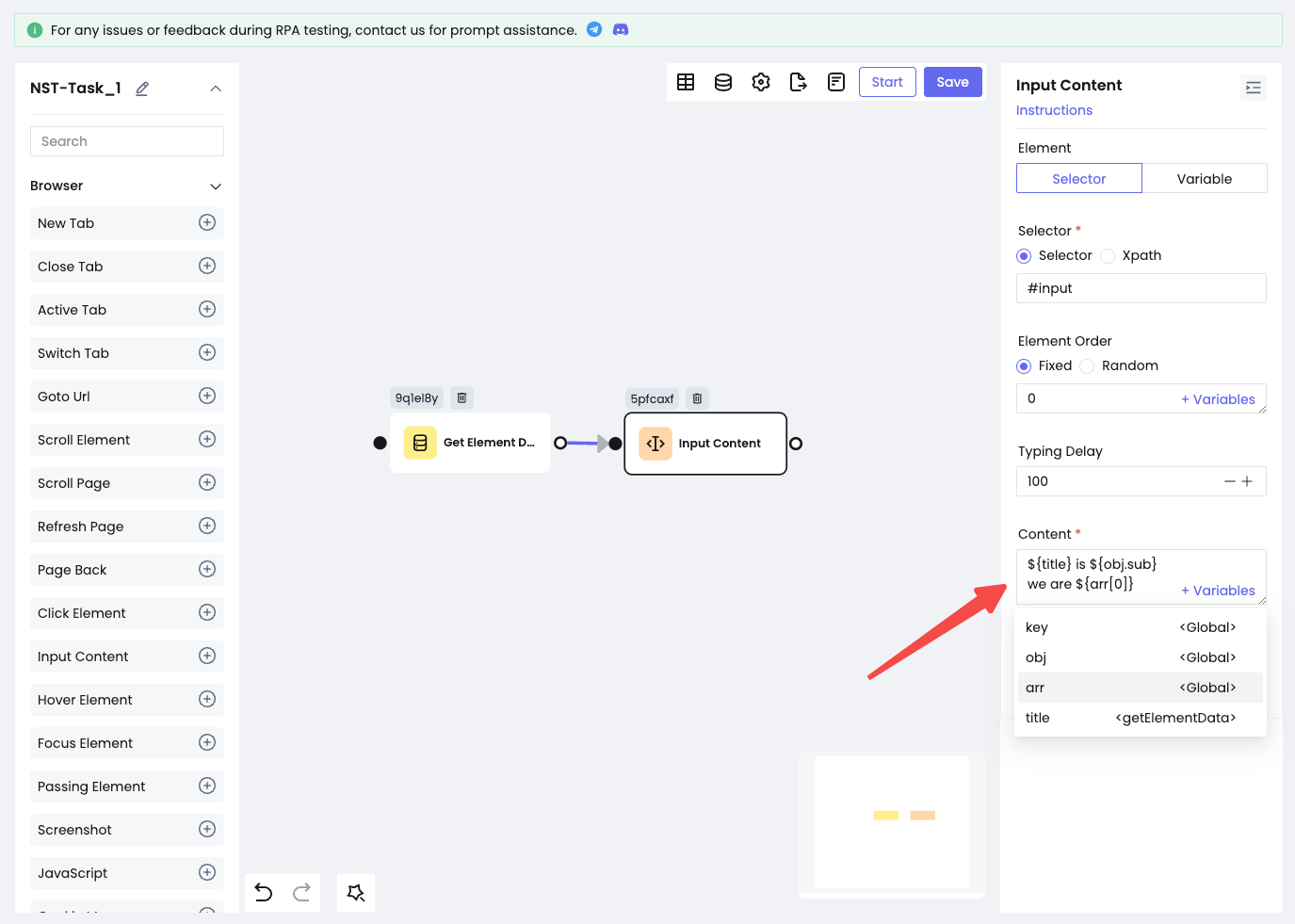
Random Functions
We provide three types of random functions: randomNum, randomStr, and randomSpecialStr. To use them, wrap the function in $fx{}.
randomNum
$fx{randomNum(min, max, decimal)}
- min: The minimum value for the random number (required).
- max: The maximum value for the random number (required).
- decimal: The number of decimal places to keep (optional, default is 0).
Example: $fx{randomNum(1, 10, 2)}
randomStr
-$fx{randomStr(len, pool)}
- len: The length of the random string (optional, default is 7).
- pool: The pool of characters to choose from (optional, default is 0-9a-zA-Z).
Example: $fx{randomStr(10, abcdefg)}
randomSpecialStr
$fx{randomSpecialStr(len, pool)}
- len: The length of the random string (optional, default is 7).
- pool: The pool of characters to choose from (optional, default is !@#$%^&*-_~`).
Example: $fx{randomSpecialStr(10, !@#abc)}